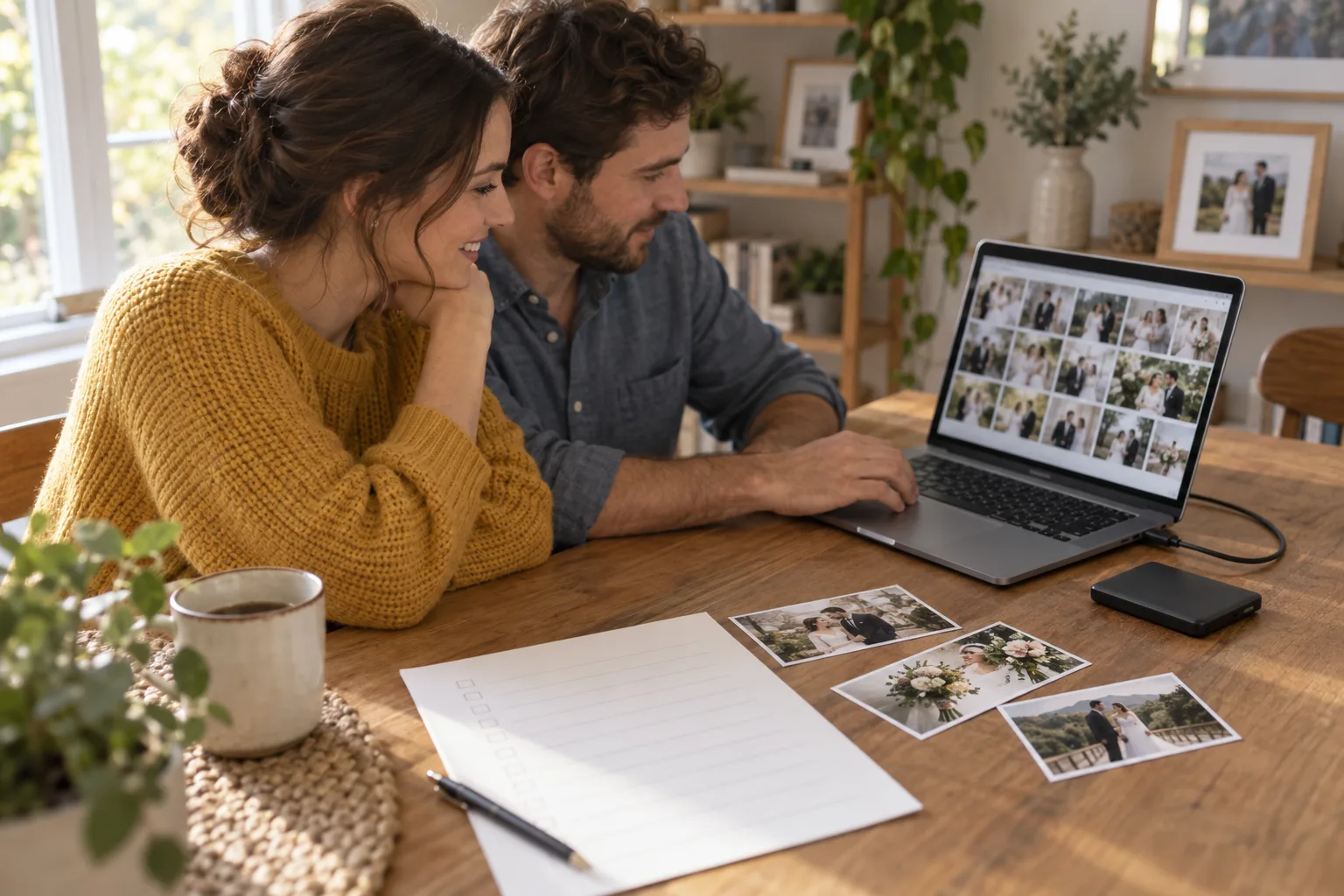
When the wedding gallery arrives, download the agreed files before spending the evening choosing favorites. Record what you received, open the downloads and keep copies in separate places. A saved gallery link alone does not give you a copy of the photographs.
Ask what the delivery includes
Before downloading, confirm the final gallery contents, the available resolutions, any separate video delivery and how long the gallery remains accessible. Put the expiry date and any download deadline in your calendar.
Ask whether there are separate sets for the rehearsal dinner, ceremony, reception, portraits or additional photographer. Check whether sneak peeks are included in the final delivery or need to be saved separately.
Ask which files are intended for printing and which are smaller sharing copies. Keep the photographer's filenames so you can identify a photograph when requesting an album, print or correction.
Do not assume an option called “Original” means an unedited camera file. Pixieset defines its Original-resolution download as the photograph exactly as uploaded, without resizing or compression by that download option. Its other high-resolution option is 3,600 pixels on the long edge; smaller web options are also available. [1]
Those are Pixieset's options, dependent on the photographer's settings and plan. Ask what your own delivery provides rather than assuming every gallery platform uses the same terms.
If the files supplied are finished JPEGs, preserve those delivered JPEGs. Any request for camera RAW files or additional material belongs in a separate conversation about the agreed delivery.
Download every intended set and archive part
Use the gallery's download controls rather than screenshots of the browser display. Choose the agreed resolution and check which sets are included before starting.
Pixieset's desktop download guide explains that full-gallery downloads arrive as ZIP archives and that a large collection may be split into multiple ZIP files. [2] Keep every part and extract them before checking the photographs.
Make a folder named with the wedding date and a recognizable description. Inside it, separate the photographer's delivery, guest contributions, video and any later edited exports.
Wait for downloads to finish and note any error messages. Compare the delivered sets and image count with the information from the photographer. Ask about a mismatch before the gallery expires.
Keep the original download packages while you check the extracted files. If you receive a revised delivery, save it in a dated folder so it does not silently overwrite the earlier set.
Do not delete a source copy to free space while the download or verification is still incomplete.
Open files from the saved location
Check the folder itself, not the online gallery. Open photographs from several parts of the day and inspect them at a useful size. Confirm that the file dimensions match the resolution you expected.
Play downloaded videos with sound and check more than the opening seconds. If a file will not open, preserve it and report the filename, file size and error to the person who supplied it.
Record the number of photographs, video files and archive parts separately. A single total can be confusing when the delivery contains several file types.
Check the copies on the other storage locations too. Being able to browse the main folder does not establish that a second transfer completed.
Write a short delivery note with the photographer's name, wedding date, download date, folders received, resolution selected and any unresolved issue. Save the note alongside the files.
Export the intended version from Apple Photos
Apple says that with iCloud Photos, deleting a photograph on one device deletes it everywhere that uses the service. It also says these photographs are not duplicated in the device's iCloud backup. With Optimize Storage, the device may hold smaller versions while full-resolution originals remain in iCloud. [3]
Confirm that your preservation copy contains downloaded files you can open, rather than relying on a thumbnail visible in a synced library.
In Photos on Mac, Apple's guide provides File > Export > Export Unmodified Original for exporting the imported original format. It also offers an option to export assigned IPTC information and keywords in an accompanying XMP file. A Live Photo exports as a still-image file plus a video file. [4]
Keep those related files together. If you also want the appearance of an edited version, make a separate export and label it accordingly. Do not replace the delivered collection with only your later crops.
Apple warns that copies saved from Shared Albums may not retain full resolution, and comments or likes are not saved. [5] Ask guests for their original files when an important image is available only through a shared album.
Use the instructions for your installed system version. Apple's current guides include version selectors and different routes for Mac, iPhone and iPad.
Keep Google exports and metadata together
For Google Photos, check the backup quality before treating the cloud collection as your only preservation source. Google's documentation distinguishes Original quality from Storage saver, which can compress or resize photos and videos. [6]
Keep the photographer's delivered files independently. Choosing a higher quality for future uploads should not be treated as proof that an earlier compressed copy now matches the delivered file.
Google Takeout can export account data. Select the intended product and review the export options. Google's guide says large archives can be split into multiple files when they exceed the selected size limit. [7]
Download and retain all parts. Keep the folder structure and any accompanying files while you inspect the result.
Google explains that the operating system may give a downloaded file a new filesystem timestamp, while the original timestamp remains in embedded photo or video metadata. Additional information, such as comments added in Google Photos, is exported in a secondary JSON file. [7]
Do not delete those JSON files simply because they do not open as photographs. Keep them beside the export until you understand which information they contain and whether another program can use it.
If the folder sorts under the download date, inspect the photo details before renaming everything. Record any date problem that needs further attention.
Keep copies in separate places and revisit them
The Library of Congress recommends at least two copies of selected digital photographs, stored on separate media and in different physical locations as far apart as practical. It also recommends an inventory and checking readability at least yearly. [8]
For example, keep the verified delivery on your computer, make a copy on a separate drive and keep another copy in a different location or suitable online storage. Choose arrangements you can maintain and access.
Two folders on the same drive remain dependent on that drive. Two drives beside the same laptop are still together if the room is damaged or the bag is stolen.
Write down where each copy is stored and when you last checked it. Include enough information for your partner to identify the collection without putting account passwords in an ordinary shared note.
The Library of Congress advises making new media copies every five years or sooner when necessary to avoid data loss. [8] Treat this as ongoing care: replace failing or obsolete storage before it becomes unreadable.
After adding a revised gallery, guest originals or the final wedding film, update the copies and inventory. A backup made before those additions will not include them.
Make a separate collection for sharing
Create a smaller selection for relatives, social posts or thank-you messages. Keep it distinct from the complete preserved delivery so a sharing decision does not become an accidental deletion from the collection.
Review who can access each backup destination. Private photographs should not inherit a public link merely because the same service also hosts your guest album.
Use the photo-sharing and permissions guide for invitation and link controls. Those controls serve a different purpose from keeping a readable copy.
You can choose favorites later. The first task after delivery is to preserve the files you agreed to receive and confirm where they can be found.
Physical Book (No Download)
Bridegenic: The Glow-Up Guide for Brides on GLP-1s
$12.95 + Free Shipping
Order NowThis article provides general education, not a diagnosis or an individual treatment plan. Medication information refers to US sources. Talk with your prescriber, pharmacist or dermatologist about decisions for your care.
Read next
Family & FriendsWedding Photo Sharing: Albums, Guests and Posting Preferences→Dress & FittingsWedding Dress Cleaning and Storage: The Handoff After the Celebration→Sources
- Download Sizes: Available ResolutionsPixieset Help Center↩ Back to text
- Your Client’s Download ExperiencePixieset Help Center↩ Back to text
- Set Up and Use iCloud Photos, September 14, 2026Apple Support↩ Back to text
- Export Photos, Videos, Slideshows, and Memories on Mac, current Photos User GuideApple Support↩ Back to text
- Archive or Make Copies of Information in iCloud, September 14, 2026Apple Support↩ Back to text
- Choose the Backup Quality of Your Photos and VideosGoogle Photos Help↩ Back to text
- How to Download Your Google DataGoogle Photos Help↩ Back to text
- Personal Archiving: Keeping Personal Digital PhotographsLibrary of Congress↩ Back to text